
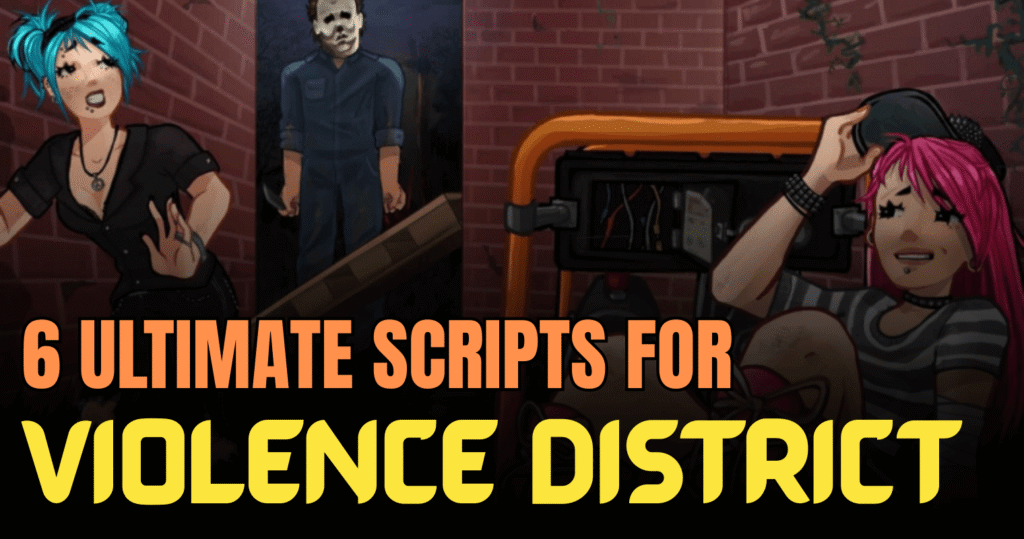
Insane Violence District scripts can completely change how you play the intense survival game Violence District. In this game, survivors try to complete generators and escape, while the killer hunts them down. Scripts written in Lua are used by players to unlock extra tools like ESP, sprint boosts, auto farming, and more. Below, you’ll find a fresh and detailed look at some of the most powerful scripts available.
01. Advanced ESP & Sprint Lua Script – Survivor and Killer Buffs
This all-in-one Lua script is packed with features for both survivors and killers. It works on PC and mobile and supports most executors. Whether you want better vision with ESP or stronger killer attacks, this script gives you full control.
Main Features Overview
| Feature Type | What It Does |
|---|---|
| Auto Skill Check | Automatically completes skill checks |
| Auto Sprint | Enables sprinting without manual input |
| Walkspeed Control | Adjust speed between 16–24 |
| Generator ESP | Shows generator status clearly |
| Player ESP | Displays survivors and killer positions |
| Lever ESP | Highlights exit levers |
| Pallet & Window ESP | Shows vault and escape spots |
| Auto Open Gate | Opens gates automatically |
| Fast Vault | Speeds up vault animations |
| Fullbright | Brightens dark areas |
| Hook ESP | Shows hook locations |
| No Slowdown | Removes movement penalties |
| Sprint Speed Slider | Adjust killer sprint speed |
| Noclip | Walk through objects |
| Anti Blind | Prevents flash blindness |
| 2x Swing Damage | Doubles attack damage |
loadstring(game:HttpGet("https://raw.rawscriptserver.com/887787103723"))()Benefits of using these scripts
This script gives balanced power for both sides. Survivors gain better awareness and faster escapes, while killers get stronger attacks and smoother movement. It is perfect for players who want full map control and faster matches.
02. Autofarm Presents Lua Script – Fast Collection System
If you want to collect presents quickly without grinding for hours, this auto farm script is a smart choice. It focuses on speed and bypassing anti-cheat systems.
Feature Details
| System | Advantage |
|---|---|
| Auto Present Collection | Gathers presents automatically |
| Fast Farming Mode | Speeds up item collection |
| Anti-Cheat Bypass | Reduces detection risk |
| Optimized Execution | Smooth and stable performance |
loadstring(game:HttpGet("https://raw.githubusercontent.com/SlayingAgain/Roblox/refs/heads/main/Games/Violence%20District/AutoFarm"))()Benefits of using these scripts
This script saves time and helps you earn rewards faster. Instead of running around manually, the system collects items for you, making progression quicker and easier.
03. CyberCoders Menu II Lua Script – Advanced Control Hub
This script loads a full menu system designed to give players multiple control options in one place. It acts like a command center for extra features.
Core Highlights
| Feature | Description |
|---|---|
| Menu Interface | Easy-to-use control panel |
| Multiple Enhancements | Access to different tools |
| Smooth Integration | Works well in-game |
| Quick Execution | Fast script loading |
loadstring(game:HttpGet("https://raw.githubusercontent.com/CyberCodersStudio/CyberCoders/refs/heads/main/Script"))()Benefits of using these scripts
The menu layout makes feature control simple. Instead of running many scripts separately, you manage everything from one place, saving time and effort.
04. Advanced ESP System Lua Script – Teleport & Gameplay Boost
This version focuses on advanced ESP and generator teleport gameplay. It enhances visibility and mobility.
Feature Breakdown
| Feature | Purpose |
|---|---|
| Advanced ESP | Detailed object highlighting |
| Generator TP | Teleport to generators |
| High-Intensity Mode | Faster-paced gameplay |
| Optimized Support | Stable performance |
loadstring(game:HttpGet("https://raw.githubusercontent.com/CyberCodersStudio/CyberCoders/refs/heads/main/Script"))()Benefits of using these scripts
Teleporting between generators gives huge speed advantages. Combined with ESP, you can move smarter and finish objectives faster.
05. Item ESP Lua Script – Simple Visibility Tool
This script is focused mainly on ESP. It helps players see important objects clearly during matches.
Feature Summary
| Function | Effect |
|---|---|
| Item ESP | Highlights important items |
| Clean Layout | Simple visual markers |
| Lightweight | Low performance impact |
| Easy Setup | Quick to execute |
loadstring(game:HttpGet("https://raw.githubusercontent.com/76594/Vio/refs/heads/main/Esp"))()Benefits of using these scripts
This is great for beginners who only want better vision without too many extra settings. It improves awareness without making the game too complex.
06. Clean Simple ESP Lua Script – No Lag Version
A clean and optimized ESP script designed to reduce lag. It also shows generator progress clearly.
Key Points
| Feature | Benefit |
|---|---|
| No Lag ESP | Smooth performance |
| Generator Progress View | See completion levels |
| Clean Design | Simple visuals |
| Key System | Added protection layer |
loadstring(game:HttpGet("https://raw.githubusercontent.com/76594/Vio/refs/heads/main/Esp"))()Benefits of using these scripts
This script keeps performance stable while giving useful information. It’s helpful for players with low-end devices who still want ESP support.
How to Use These Scripts
- Download and install a Roblox script executor that supports Lua.
- Open Roblox and launch Violence District.
- Copy the script code provided above.
- Paste the code into your executor window.
- Click execute to run the script.
- Test the features in a private server first to check how everything works.
- If something does not load, rejoin the game and try again.
Always make sure your executor supports mobile or PC based on the script notes.



