
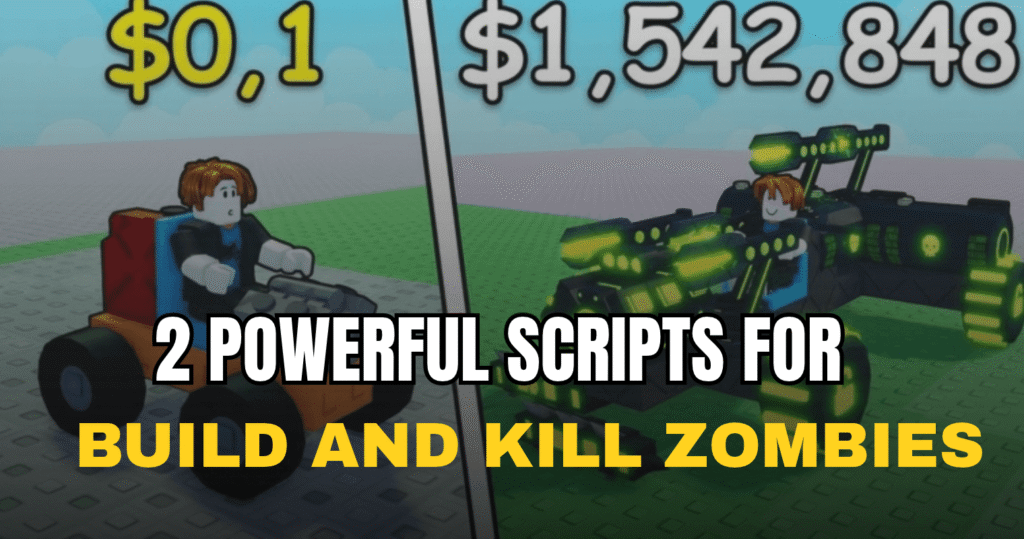
Build and Kill Zombies becomes much easier to manage with these powerful Build and Kill Zombies scripts, offering useful automation for driving, building, rolling, quests, chests, and more. The two Lua scripts below focus on reducing repetitive tasks and helping players handle different parts of the game with less manual work.
01. Auto Drive – Auto Fuel, Build, Quest & Chest
This Lua script is built around automation for Build and Kill Zombies. It combines several vehicle and progression features, making it useful for players who want to automate common actions such as driving, fueling, building, clearing, completing quests, and opening chests.
| Feature | What It Does |
|---|---|
| Auto Drive | Automatically drives the vehicle in the game. |
| Auto Fuel | Handles vehicle fuel automatically. |
| Auto Turbo | Uses the turbo feature without manual input. |
| Auto Roll | Automatically rolls when available. |
| Auto Build | Automates the building process. |
| Auto Clear | Helps clear obstacles automatically. |
| Auto Quest | Automatically handles available quests. |
| Auto Chest | Automates chest-related actions. |
loadstring(game:HttpGet("https://unknownhub.win/api/projects/54474b4c5d5a4f459909c4cb70e7b4f3/loader"))()02. Auto Drive, Auto Roll, Auto Build & Skills – Full Auto Farm
This advanced Build and Kill Zombies script focuses on running much of the game’s main loop automatically. It can drive the car, roll machines, improve vehicle parts, use skill upgrades, claim event rewards, complete quests, redeem codes, and collect offline cash. It is also described as working on both PC and mobile, with settings saved after rejoining.
| Main Feature | Details |
|---|---|
| Auto Drive | Drives the game’s car automatically using its vehicle system. |
| Auto Roll | Automatically rolls both available machines. |
| Auto Build | Replaces weaker car parts with better ones and uses open weapon slots. |
| Auto Skills | Upgrades weapon slots, luck, golden and rainbow rolls, and damage. |
| Auto Fuel | Manages fuel during automated runs. |
| Auto Turbo | Uses the vehicle’s turbo automatically. |
| Auto Event Crates | Claims Loot Rain and Zeus event crates automatically. |
| Auto Quest | Handles quests without needing to complete each one manually. |
| Auto Codes | Automatically redeems available codes. |
| Auto Offline Cash | Collects offline cash automatically. |
| Anti-AFK | Helps prevent the game’s idle rejoin from interrupting the session. |
| PC & Mobile | The panel is designed to work on both PC and mobile devices. |
| No Key | The script is described as free and keyless. |
loadstring(game:HttpGet("https://raw.githubusercontent.com/seltonmt012/sel01-rbx/main/loader.lua"))()How to Use These Scripts
- Open Build and Kill Zombies in Roblox.
- Use a Lua executor that supports the type of script being used.
- Copy the complete loadstring for the script you want to try.
- Paste it into your executor.
- Execute the script while the game is running.
- For the second script, the control panel should open automatically.
- Use RightShift to show or hide the panel when using the PC version.
- Test one feature at a time if something does not work as expected.
- If a script stops working after a game update, check whether the script has been updated before trying it again.
Benefits of using these scripts.
These scripts can make Build and Kill Zombies less repetitive by automating different parts of vehicle movement and progression. The first script focuses on driving, fuel, turbo, building, clearing, quests, and chests, while the second offers a wider set of automation tools such as vehicle upgrades, skill spending, event crate collection, code redemption, and offline cash collection. Together, they can save time on repeated actions and let players focus more on the game’s main progression.
Meta Description:
Try these powerful Build and Kill Zombies scripts for auto drive, build, skills, quests, chests, rolls, fuel, turbo, and more with easy Lua automation.