
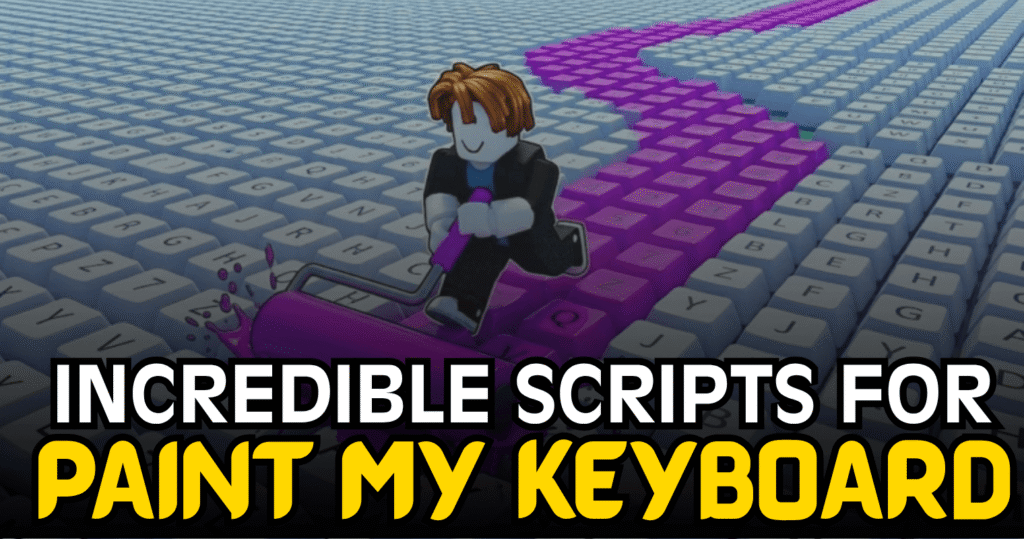
Paint My Keyboard is a creative Roblox game where players paint keys, expand their workspace, and continue upgrading their plot as they progress. This Incredible Paint My Keyboard Script offers several automation features that simplify repetitive tasks, allowing players to focus more on growing their keyboard and unlocking new progress.
01. Lua Script – Auto Farm, Auto Fill Paint & Auto Expand Plot
This Lua script is designed to automate the main gameplay loop by handling farming and paint management while also expanding your plot automatically. With mobile support and compatibility across several executors, it provides a convenient way to streamline progression.
| Feature Category | Available Features |
|---|---|
| Farming Tools | Auto Farm |
| Paint System | Auto Fill Paint |
| Plot Management | Auto Expand Plot |
| Automation | Toggleable Features |
| Device Support | Mobile Ready |
| Compatibility | Supports Multiple Executors |
| Script Language | Lua |
loadstring(game:HttpGet("https://api.jnkie.com/api/v1/luascripts/public/ba37b3a2d51335eb6268cfc78d9bb745a52947e80404ee129b481457d0241287/download"))()How to Use These Scripts
- Install a Roblox executor that supports Lua scripts.
- Launch Roblox and join Paint My Keyboard.
- Copy the Lua script shown above.
- Paste it into your executor’s script editor.
- Inject or attach the executor to Roblox.
- Execute the script after the game has fully loaded.
- Open the script menu once it appears.
- Enable Auto Farm, Auto Fill Paint, or Auto Expand Plot based on your preferences.
- Monitor the automation and adjust the settings whenever needed.
Benefits of using these scripts
The Auto Farm feature helps automate repetitive progression tasks, making it easier to earn rewards over time. Auto Fill Paint keeps your paint supply ready without frequent manual interaction, while Auto Expand Plot automatically increases your available workspace as you progress. Together, these features reduce routine actions and provide a smoother gameplay experience for players looking to develop their keyboard more efficiently.



