
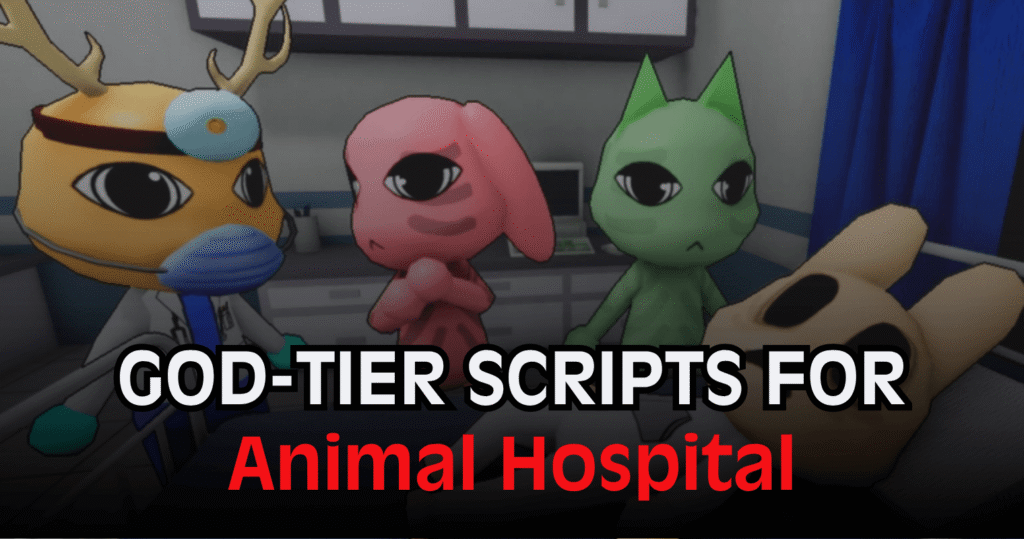
Managing patients, machines, and anomaly events in Animal Hospital can become challenging during long shifts. This God-Tier Animal Hospital Script automates many hospital tasks, allowing players to handle treatments, diagnoses, and emergencies more efficiently. With automation tools and utility features, it can simplify daily hospital operations while reducing repetitive actions.
01. Lua Script – Auto Work, Auto Heal & Hospital Automation
This script is designed to automate nearly every major hospital task. It can process patients from check-in to treatment, operate medical equipment, apply the correct cures, and even help during anomaly events. Additional utility tools provide movement options, player assistance features, and automation for upgrades and shop purchases.
| Feature Group | Functions Included |
|---|---|
| Work Automation | Auto Work, Full Shift Automation |
| Patient Management | Check-In, Registration, Badge Printing, Bed Placement |
| Medical Features | Auto Diagnose, Auto Heal, Smart Cure Selection |
| Machine Control | Inspect, Analyze Sample, Process Results, X-Ray Operations |
| Sanity System | Keep Sanity Full, Auto Coffee, Auto Chocolate |
| Anomaly Detection | ESP for Skinwalker, Shadow, Fires, Monsters, Players |
| Safety Features | Auto Extinguish, Auto Revive |
| Minigame Automation | Auto Heart-Scan Completion |
| Shop Tools | Auto Upgrade Purchases, Tool Purchases |
| Combat Functions | Zombie Hit Aura |
| Player Utilities | Fly, Noclip, Infinite Jump, WalkSpeed, JumpPower |
| Extra Tools | Anti-AFK, Teleports, Rejoin, Lobby Return, Job ID Copy |
loadstring(game:HttpGet("https://api.luarmor.net/files/v3/loaders/97c3f6db55a2cf72141537a85458e5a7.lua"))()How to Use These Scripts
- Download and open a Roblox executor that supports Lua scripts.
- Launch Roblox and join Animal Hospital.
- Copy the Lua script shown above.
- Paste it into your executor’s script editor.
- Inject or attach the executor to the Roblox client.
- Run the script and wait for the menu to appear.
- Enable the features you want, such as Auto Work, Auto Heal, or ESP tools.
- Adjust settings according to your preferred gameplay style.
- Test the selected options during a shift to confirm they are functioning correctly.
Benefits of using these scripts
This script helps automate many of the most repetitive hospital duties, including patient registration, diagnosis, treatment, and machine operation. The Smart Cure system reduces the need to manually select medicines, while Full Shift Automation can handle most routine tasks from start to finish. Features such as Auto Revive, Auto Extinguish, and Anomaly ESP provide additional support during emergencies. Sanity management tools help maintain performance during long sessions, and the included movement utilities offer extra convenience when navigating the hospital environment.



