


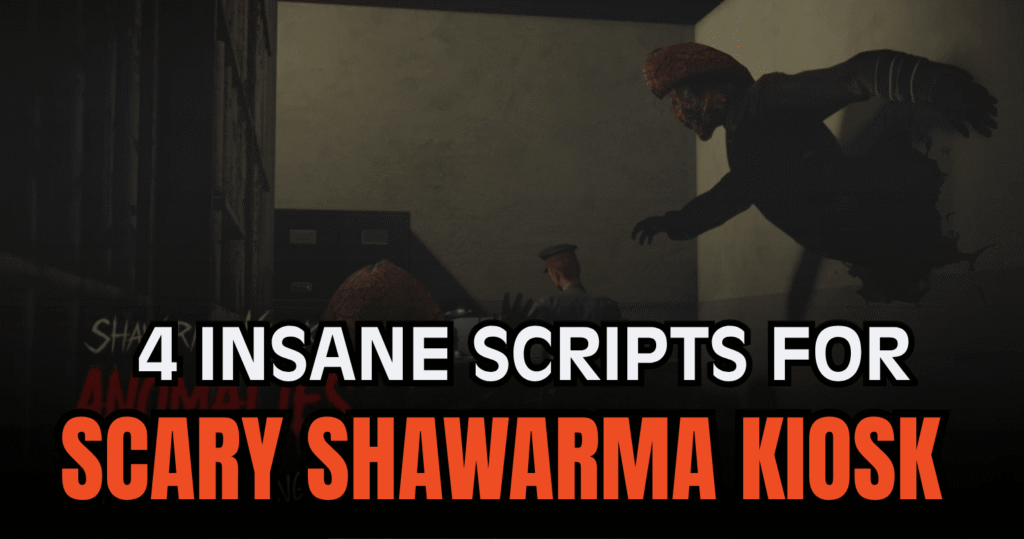
Scary Shawarma Kiosk: the ANOMALY is a unique Roblox horror game where players must survive strange events while running a creepy shawarma stand. The game mixes horror mechanics, anomaly spotting, and fast reactions, making scripts popular among players who want easier survival and automation features. These Insane Scary Shawarma Kiosk Scripts include ESP tools, auto interactions, fullbright settings, and advanced automation systems for smoother gameplay.
01. Project Shawarma Script – Auto Make Shawarma & Advanced Survival Features
This Lua script is one of the most feature-packed options for Scary Shawarma Kiosk players. It automates several important gameplay tasks such as making shawarma, escaping dangerous events, and interacting with game objects. It also includes visual enhancements and movement utilities for easier survival.
Script Features
| Main Feature | Details |
|---|---|
| Auto Make Shawarma | Automatically prepares shawarma in sequence |
| Auto Handle Meat Event | Detects danger events automatically |
| Auto Inspector Escape | Escapes inspector encounters |
| Auto Answer Calls | Automatically answers ringing phones |
| Fast Interact | Removes interaction hold delays |
| Customer & Anomaly ESP | Highlights important entities |
| Auto Night Vision | Activates visibility tools automatically |
| Teleport System | Teleports to useful kiosk locations |
| Fullbright | Improves visibility in dark areas |
| Remove Fog | Clears fog effects |
| Noclip | Walk through walls and objects |
| Infinite Jump | Allows repeated air jumps |
| Anti AFK | Prevents idle kick |
| Walk Speed & Jump Power | Adjustable movement settings |
| Config Save System | Save and load settings easily |
loadstring(game:HttpGet("https://api.luarmor.net/files/v4/loaders/18834f374cab99333b093c393ca32b79.lua"))()02. MZXN Hub Script – ESP Entities & Auto Interact
This mobile-ready Scary Shawarma Kiosk script is focused on visibility and convenience features. It includes ESP tools, interaction helpers, teleport systems, and movement enhancements that help players react faster during horror events.
Script Features
| Included Tool | Description |
|---|---|
| ESP Entities | Highlights important entities |
| Auto Interact | Automatically interacts with prompts |
| Make Shawarma | Simplifies shawarma preparation |
| Fullbright | Makes dark areas easier to see |
| WalkSpeed Slider | Adjust movement speed |
| TP to Trash & Home | Quick teleport options |
| Fast Interact | Speeds up interactions |
| Anti AFK | Prevents idle disconnection |
| Mobile Ready | Compatible with mobile executors |
loadstring(game:HttpGet("https://raw.githubusercontent.com/MZXNxd/MZXN-Hub/refs/heads/main/mzxn-best.lua"))()03. OP Auto Spot Script – ESP & Auto Avoid Inspector
This Lua script is designed for players who want fast anomaly detection and easier survival during intense horror moments. The script includes ESP systems and automatic safety tools that help avoid dangerous encounters.
Script Features
| Feature Type | Information |
|---|---|
| Auto Spot | Detects anomalies automatically |
| ESP Support | Highlights important targets |
| Auto Close | Automatically closes interactions |
| Auto Avoid Inspector | Escapes dangerous inspector events |
| Skip Customer | Simplifies customer handling |
| Lightweight Loader | Quick execution support |
loadstring(game:HttpGet("https://raw.githubusercontent.com/boringcat4646/Nexis-Hub/refs/heads/main/arbix"))()04. Auto Spot ESP Script – Monster ESP & God Mode
This Scary Shawarma Kiosk script focuses on visibility improvements and defensive gameplay features. Players can use it to detect anomalies faster while making dark areas easier to manage during horror gameplay sessions.
Script Features
| Utility | Details |
|---|---|
| Auto Spot Anomalies | Automatically detects anomalies |
| Monster ESP | Highlights monsters and entities |
| Full Bright | Brightens dark environments |
| God Mode | Adds defensive gameplay support |
| Key System | Uses a key verification setup |
| Horror Assistance | Helps during survival situations |
loadstring(game:HttpGet('https://raw.githubusercontent.com/icepowerelk882/Scary-Shawarma-Kiosk-the-ANOMALY/main/Scary-Shawarma-Kiosk-the-ANOMALY.lua'))()Benefits of using these scripts
These Scary Shawarma Kiosk scripts can help players react faster to horror events, automate repetitive kiosk tasks, and improve visibility during dark gameplay moments. ESP systems make it easier to identify anomalies and dangerous entities, while auto interact and fast interact tools reduce manual actions. Features like fullbright, remove fog, and night vision improve visibility, and teleport or movement utilities help players escape dangerous situations more efficiently.
How to Use These Scripts
- Install a Roblox executor that supports Lua execution.
- Launch Roblox and enter Scary Shawarma Kiosk: the ANOMALY.
- Copy the preferred Lua script from the article.
- Paste the code into your executor window.
- Attach or inject the executor into Roblox.
- Execute the script and complete the key system if needed.
- Wait for the menu or interface to appear before enabling features.
- Test the settings carefully and rejoin the game if any feature stops working after updates.



