
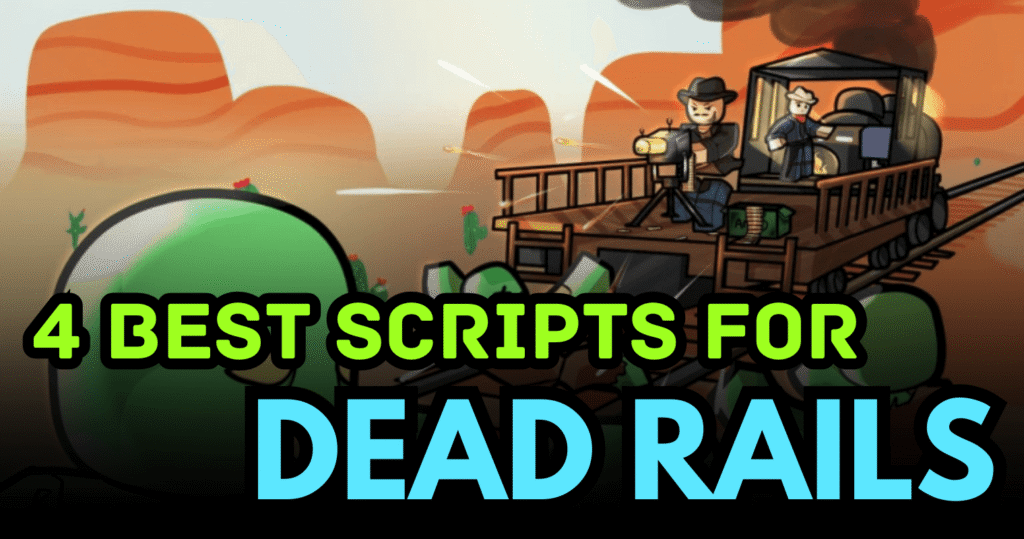
Dead Rails is a survival-action Roblox game where players travel across dangerous areas while fighting zombies and hostile enemies. The gameplay focuses on survival, collecting resources, and completing objectives while protecting the train. Because progression can require grinding enemies and collecting items repeatedly, many players use automation tools to speed up the process.
These Dead Rails Scripts provide features such as Auto Bond currency farming, Auto Win systems, ESP enemy detection, item collection, teleportation tools, and combat auras that help simplify gameplay.
01. PhiPhai V2 Script – ESP, Noclip & Fast Interact (Lua)
This script adds visual tools and movement enhancements that help players navigate maps and locate important objects easily.
Feature Overview
| Feature | Description |
|---|---|
| Lever ESP | Highlights important levers |
| Noclip | Walk through walls and obstacles |
| Fast Interact | Removes interaction delay |
| FullBright | Brightens dark environments |
| Brightness Slider | Adjust lighting brightness |
| Clock Time Control | Change in-game time |
| Entity Selection | Choose targets from a list |
| Camera Follow | Camera follows selected target |
| Highlight Entity | Highlights enemies or objects |
loadstring(game:HttpGet("https://raw.githubusercontent.com/chienminh21/aaaaaaaa/refs/heads/main/phiphai.lua"))()Benefits of using this script
ESP tools allow players to easily locate objectives while noclip and fast interact features help players move through maps faster and complete tasks more efficiently.
02. Auto Collect Script – Bring Items, Teleport & Combat Aura (Lua)
This script focuses on automation features that collect resources and automatically attack enemies nearby.
Feature Overview
| Feature | Description |
|---|---|
| Auto Collect | Automatically collects nearby items |
| Bring Items | Pulls items directly to the player |
| Teleport Castle | Instantly teleport to castle |
| Teleport Town | Teleport to town area |
| Teleport Outpost | Teleport to outpost |
| Gun Aura | Automatically shoots nearby enemies |
| Swing Aura | Automatic melee attacks |
| Kill Aura | Damages enemies within range |
loadstring(game:HttpGet('https://pastebin.com/raw/mbm9XDQG'))()Benefits of using this script
Automation tools allow players to gather resources quickly while combat auras automatically eliminate nearby enemies.
03. Auto Bond Script – Currency Farming (Lua)
This script focuses on automatically farming bonds, the main currency in Dead Rails.
Feature Overview
| Feature | Description |
|---|---|
| Auto Bond | Automatically farms bond currency |
| Auto Execute | Runs automatically after loading |
| Fast Farming | Speeds up resource collection |
Auto_Execute = true
loadstring(game:HttpGet('https://raw.githubusercontent.com/hungquan99/HungHub/main/loader.lua'))()
Benefits of using this script
Auto bond farming allows players to collect currency faster without repeatedly grinding enemies or objectives.
04. Auto Win Hub – Aimbot, ESP & Hitbox Extender (Lua)
This script provides a complete combat toolkit that helps players defeat enemies and complete rounds automatically.
Feature Overview
| Feature | Description |
|---|---|
| Auto Bond | Automatically collects bonds |
| Auto Win | Helps complete rounds automatically |
| Aimbot | Automatically targets enemies |
| Hitbox Extender | Increases enemy hitbox size |
| Zombie ESP | Highlights zombies and mobs |
| Bring Items | Pulls items toward the player |
loadstring(game:HttpGet("https://raw.githubusercontent.com/scriptsomega/deadrails/refs/heads/main/helizhub"))()Benefits of using these scripts
Combat automation and visual assistance make it easier to defeat zombies and complete missions while collecting rewards efficiently.
How to Use These Scripts
- Install a Roblox script executor that supports Lua scripts.
- Launch Roblox and join the Dead Rails game.
- Copy the Lua script you want to use from the list above.
- Paste the script into your executor interface.
- Click execute to run the script.
- Enable the features you want from the script GUI.



