
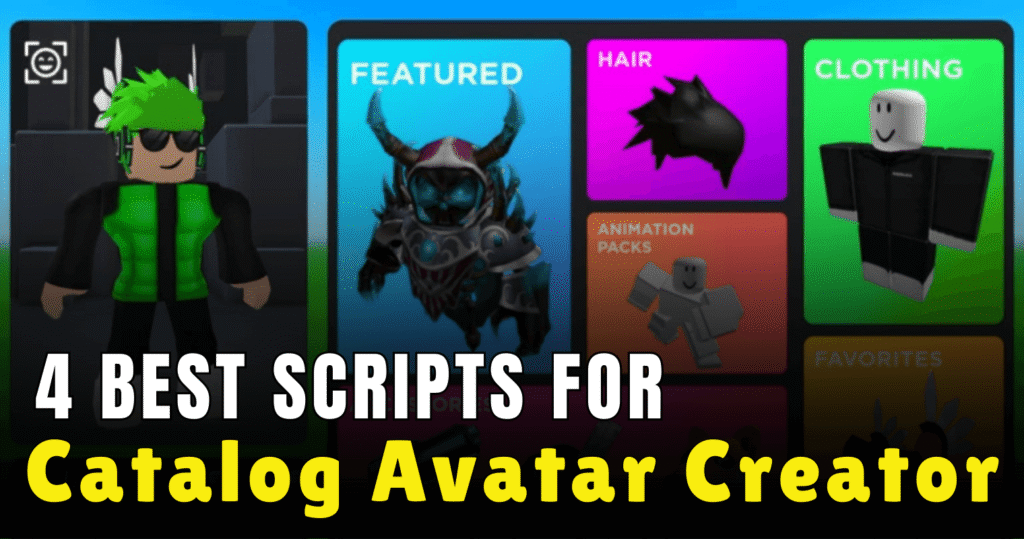
Catalog Avatar Creator is a popular Roblox game where players test outfits, accessories, and full avatar styles before using them anywhere else. Scripts in this game help players unlock extra controls, speed up actions, and enjoy creative avatar features that are not easily accessible through normal gameplay. Below are some powerful Lua scripts designed to improve avatar testing, customization, and overall control inside Catalog Avatar Creator.
01. Infinity Yield – Advanced Admin Control Panel
This script brings a full admin-style command system into Catalog Avatar Creator. It is widely used because it works in almost every Roblox game and gives players many control commands through a clean interface. It is useful for testing, movement control, and quick actions while experimenting with avatars.
| Feature | Details |
|---|---|
| Admin Commands | Access a large list of built-in commands |
| Universal Support | Works across many Roblox games |
| Easy Menu | Simple command bar for fast use |
| Movement Tools | Fly, speed, and teleport options |
loadstring(game:HttpGet('https://raw.githubusercontent.com/EdgeIY/infiniteyield/master/source'))()
02. Hub Script – Visual Avatar Effects & Scaling
This hub-focused script is made for players who enjoy visual effects and avatar adjustments. It allows players to apply effects that everyone can see and resize accessories for better avatar styling. It is simple but fun for showing creative looks.
| Feature | Details |
|---|---|
| Like Everyone | Adds a visible like effect |
| Rainbow Skin | Changes avatar skin color dynamically |
| Accessory Scaling | Resize accessories for better fitting |
| FE Supported | Effects are visible to other players |
loadstring(game:HttpGet(('https://pastebin.com/raw/V3VT1pNd'),true))()
03. XENX CAC Script – Powerful All-in-One Avatar Tool
This script is built specifically for Catalog Avatar Creator and focuses on giving players strong avatar control options. It is easy to execute and designed to enhance the overall experience while testing outfits and accessories.
| Feature | Details |
|---|---|
| Game-Specific | Designed only for Catalog Avatar Creator |
| Easy Execution | Simple loadstring setup |
| Avatar Control | Helps manage avatar testing smoothly |
| Lightweight | Runs without heavy performance impact |
-- script made by xenx
-- catalog avatar creator

loadstring(game:HttpGet("https://pastefy.app/ThdV76z5/raw"))()
04. Like Everyone Script – Simple Social Interaction Tool
This is a very lightweight script with a single purpose. It automatically likes everyone in the server, making it useful for quick interaction without manual effort. It is best for players who want a fast and clean feature without extra menus.
| Feature | Details |
|---|---|
| Auto Like | Likes all players automatically |
| One-Click Use | No settings or configuration |
| Fast Execution | Runs instantly |
| Beginner Friendly | Very easy to understand |
loadstring(game:HttpGet("https://pastebin.com/raw/gDLdrRHt"))()
How to Use These Scripts
To use these scripts, first launch Roblox and join Catalog Avatar Creator. Open your preferred script executor and make sure it supports Lua execution. Copy the script you want to use and paste it into the executor window. Execute the script after the game fully loads to avoid errors. If something does not work, rejoin the game and try executing again, or test with a different executor for better stability.
Benefits of using these scripts.
These scripts help players customize avatars faster, apply visual effects, manage accessories, and control movement with ease. Admin-style tools allow better testing of outfits, while simple scripts like auto-like save time during social interactions. Visual effect scripts improve creativity, and all-in-one tools make avatar testing smoother and more enjoyable inside Catalog Avatar Creator.



