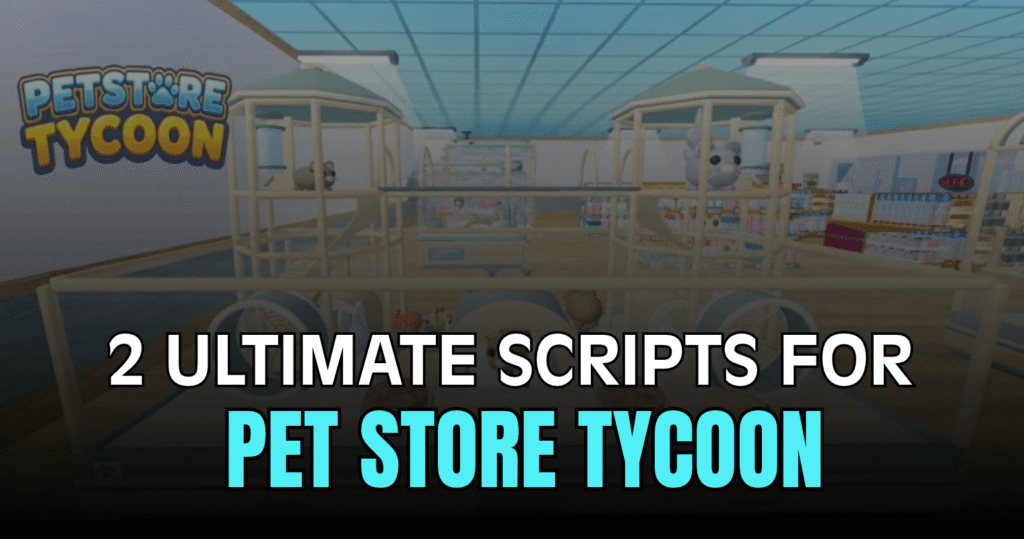
Pet Store Tycoon lets players build up their pet business while collecting cash, buying upgrades, and managing different parts of the store. These powerful Pet Store Tycoon scripts bring together automation, movement, ESP, teleport tools, server options, and useful player settings to make many tasks quicker and easier.
01. Pet Store Tycoon Auto Farm Script – Auto Buy, Cash, Rewards & AFK
This script is packed with automation features for players who want to spend less time repeating basic actions. It can handle buying, collecting cash, claiming rewards, picking up drops, and other tasks while also offering several player and server utilities.
| Feature | Details |
|---|---|
| Auto Buy | Automatically handles supported buying actions |
| Auto Collect Cash | Collects available cash |
| Auto Claim Rewards | Claims rewards through the GUI |
| Auto Interact | Interacts with prompts within range |
| Auto Click | Supports ClickDetector actions |
| Auto Pickup Drops | Automatically picks up drops |
| Anti-AFK | Helps prevent idle disconnection |
| Auto Respawn | Returns to the location where you died |
| Auto Equip Tool | Automatically equips tools |
| Auto Jump | Provides automatic jumping |
| Auto Rejoin | Rejoins after being kicked |
| Auto Server Hop | Changes servers on a timer |
| WalkSpeed | Adjusts movement speed |
| JumpPower | Changes jump strength |
| Infinite Jump | Allows repeated jumping |
| Noclip | Allows movement through certain objects |
| Sprint | Sprint using the Shift key |
| Custom Gravity | Changes gravity settings |
| Fly | Adds flight with a keybind and speed control |
| Player ESP | Displays player information |
| Fullbright | Improves visibility with brighter lighting |
| FPS Boost | Includes performance-focused options |
| Teleport to Player | Moves the character to another player |
| Follow Player | Allows following another player |
| Spectate Player | Lets you spectate another player |
| Waypoints | Save and return to a selected location |
| Server Tools | View server details and switch servers |
| UI Settings | Includes keybind, config, cursor, and theme options |
loadstring(game:HttpGet("https://raw.githubusercontent.com/JMY12970/JAJSJQIWJSBAKWJDB/refs/heads/main/script.lua"))()02. Pet Store Tycoon Keyless Script – Full Automation, Movement & Visual Options
The second script provides a broad set of tools in one interface. Along with automatic buying and cash collection, it includes movement controls, visual settings, teleport options, server controls, and UI customization, giving players plenty of settings to explore.
| Feature | What It Offers |
|---|---|
| Auto Buy | Automates purchases using prompts or GUI buttons |
| Buy Prompt Teleport | Teleports to supported buying prompts |
| Auto Cash | Collects store cash automatically |
| Auto Rewards | Claims available rewards |
| Auto Interact | Handles nearby prompts |
| Auto Click | Automates ClickDetector actions |
| Auto Pickup | Collects nearby drops |
| Anti-AFK | Keeps the player active |
| Auto Respawn | Returns to the previous death location |
| Auto Equip | Equips tools automatically |
| Custom Gravity | Lets you change gravity |
| Player ESP | Highlights players |
| ESP Names & Distance | Displays extra player information |
| Prompt ESP | Shows nearby interactable prompts |
| Fullbright & No Fog | Changes lighting for clearer views |
| FPS Boost | Provides performance settings |
| Teleport Tools | Teleport, follow, spectate, and waypoint options |
| Server Hop | Switch between random or player-count-based servers |
| Rejoin | Rejoin the current server |
| JobId Tools | Copy or join using a JobId |
| Config Manager | Save, load, and auto-load settings |
| Theme Manager | Customize the script interface |
loadstring(game:HttpGet("https://pastefy.app/So7J07Mo/raw"))()How to Use These Scripts
- Open Pet Store Tycoon through Roblox.
- Select the Lua script you want to use from the sections above.
- Copy the full code without changing the script URL.
- Use a compatible Lua script environment that supports the required functions.
- Run the script after entering the game if your environment requires an active Roblox session.
- Once the interface loads, explore the available tabs and enable only the features you want.
- Test automation features one at a time so you can easily see what each option does.
- If a feature fails, check whether the script or your execution environment is still supported.
Benefits of using these scripts.
These Pet Store Tycoon scripts focus heavily on saving time and giving players more control over their gameplay. Auto Buy, Auto Collect Cash, Auto Claim Rewards, and Auto Pickup can reduce repetitive tasks, while Anti-AFK and server hopping provide extra convenience. The movement tools add options such as Fly, Infinite Jump, Noclip, and custom gravity, while ESP and teleport features make it easier to find players and interact with different areas. The built-in configuration and theme options also make the large feature set easier to manage.