
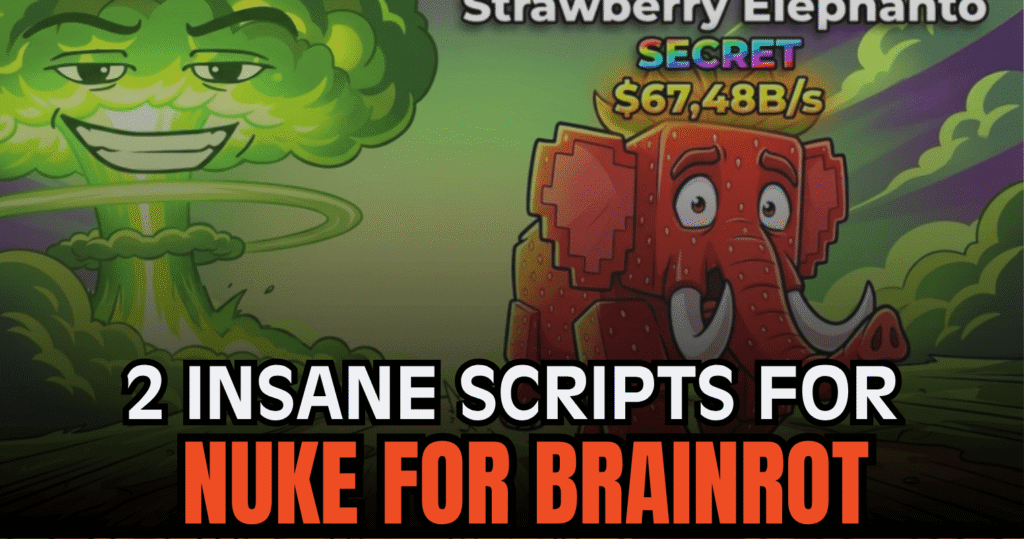
Players looking for faster movement and easier navigation in Roblox game Nuke for Brainrot can use these scripts to improve their gameplay experience. These Lua scripts include grab mechanics, teleport options, SafeZone access, and mobile-friendly controls that make exploring different areas much simpler. Each script offers different utilities for players who want more control while playing.
01. Nuke for Brainrot Script – Grab & Teleport Zones
This Lua script focuses on grab mechanics and zone teleportation for players who want quick access to different areas in the game. It allows users to grab Brainrots and use teleport functions without spending too much time traveling across the map. The script has also been tested on several popular executors for stable performance.
| Script Functions | Information |
|---|---|
| Grab Feature | Grab Brainrots directly in-game |
| Zone Teleport | Quickly move between areas |
| Easy Controls | Simple execution process |
| Executor Compatibility | Supports multiple Roblox executors |
| Lua Script | Built for Roblox scripting |
loadstring(game:HttpGet("https://raw.githubusercontent.com/GZSSF/Nuke-for-Brainrot/refs/heads/main/Nuke-for-Brainrot"))()02. Nuke for Brainrot Script – TP Shops & SafeZone Access
This script is more focused on teleport utilities, making it useful for players who want faster navigation between important locations. It includes teleportation to shops, best zones, and SafeZones while also supporting mobile UI features for easier use on different devices.
| Included Features | Description |
|---|---|
| TP Shops | Instantly teleport to shops |
| TP Zones | Fast access to different game areas |
| TP SafeZone | Move safely to protected zones |
| Mobile UI Support | Optimized interface for mobile users |
| BestZone Teleport | Reach high-value areas quickly |
loadstring(game:HttpGet("https://raw.githubusercontent.com/karlhub67/KarlHubMainGui/refs/heads/main/MainScript"))()How to Use These Scripts
- Install a Roblox Lua executor that supports custom scripts.
- Launch Roblox and open Nuke for Brainrot.
- Copy one of the scripts from the sections above.
- Paste the code into your executor program.
- Inject or attach the executor to the Roblox client.
- Run the script and wait for the interface to appear.
- Use the teleport or grab features inside the game menu.
Benefits of using these scripts
These Nuke for Brainrot scripts help players move around the map much faster by adding teleport tools for zones, shops, and SafeZones. The grab feature also makes collecting Brainrots easier during gameplay. Mobile UI support improves accessibility for players using phones or tablets, while the extra teleport options reduce travel time and make exploring different areas more convenient.